





AI Automation Bootcamp

This AI Automation Bootcamp is designed to help learners move from simply using AI to building intelligent systems that automate real work. You’ll learn how to create custom AI assistants, connect business applications, automate repetitive processes, and build end-to-end agentic workflows using ChatGPT, Claude, Make.com, n8n, and Microsoft Power Automate.

Through hands-on projects, you’ll progress from prompt engineering and workflow automation to APIs, RAG chatbots, AI Agents, multi-agent orchestration, and workplace automation. By the end of the program, you’ll build and present a practical automation solution that connects AI with real business processes.

No technical background or previous automation experience is required. This program is suitable for both technical and non-technical learners who want to use AI to work smarter, build AI agents, and AI automation solutions for businesses.

A Practical Bootcamp that helps you leverage AI as an assistant and start building automated workflows, AI agents, and business automations.

02 Months

Saturday, Sunday

12:00 - 02:00 PM PKT

17 October, 2026

Online & Interactive

English

What You’ll Learn

Module 1: LLM Foundations and Prompt Engineering

Key Topics and Activities:

  • Explain what a large language model is and how it relates to tools such as Claude and ChatGPT
  • Recognize what LLMs do well and where rules, traditional automation, or human judgment work better
  • Distinguish LLMs, AI assistants, chatbots, AI agents, workflows, and rule-based automation
  • Understand prompts, context, tokens, context windows, and why an LLM response can vary
  • Compare models using practical factors such as output quality, speed, cost, context size, and data sensitivity
  • Identify repetitive, data-heavy, and decision-heavy tasks that are suitable for automation
  • Map a process using triggers, inputs, actions, decisions, outputs, and human review
  • Build prompts with a role, task, context, constraints, examples, and output format
  • Set up a custom AI assistant with reusable instructions, approved work data, and example requests
  • Practise extraction, classification, summarization, generation, ranking, and decision-support prompts
  • Produce structured outputs such as tables or JSON that another automation step can use
  • Test for missing information, unclear instructions, inconsistent answers, hallucinations, and sensitive data exposure

Case study  A service team manually reads customer emails, identifies the request, decides its urgency, and forwards it to the correct person.

Module project  Build a custom AI assistant, such as a Custom GPT, for a chosen work task using approved documents or sample data. Use customer inquiry triage as the shared example, and test how the assistant categorizes requests and drafts responses.

Learner output  An automation opportunity map, tested prompts, and a working custom AI assistant.

Module 2: Custom AI Assistant Development

Key Topics and Activities

  • Use Claude, ChatGPT, and Codex for analysis, documents, workflow planning, testing, and troubleshooting
  • Follow the LLM workflow pattern: receive input, prepare context, call the model, validate the response, and take action
  • Understand how a built-in automation node or API connection sends data to an LLM securely
  • Use approved documents in the assistant and insert changing email, form, spreadsheet, or CRM data into a reusable prompt
  • Choose a suitable model based on the task, output quality, speed, cost, and data sensitivity
  • Request structured output and validate required fields before the workflow continues
  • Use controlled tool calling to retrieve information or request an action from another application
  • Prepare relevant context for long inputs and avoid sending unnecessary or confidential information
  • Handle usage limits, slow or failed responses, retries, fallback actions, business rules, and human approval

Case study  HR repeatedly answers employee questions about leave, attendance, benefits, and workplace policies.

Module project  Improve the custom assistant with approved HR policies or the learner’s own work documents. Test its answers against the source material, then design a structured answer and escalation step that can later be connected to an automated workflow.

Learner output  A tested custom assistant, structured LLM answer step, validation rules, and response test sheet.

Module 3: Business Automation with Make.com

Key Topics and Activities

  • Navigate Make.com and build scenarios using modules and application connections
  • Use triggers, actions, schedules, and webhooks to start and run workflows
  • Connect forms, email, spreadsheets, CRMs, and communication tools
  • Map, clean, format, and transform information between applications
  • Use filters and routers to create conditional workflow paths
  • Process lists of records with iterators and combine results with aggregators
  • Search for an existing CRM record before creating or updating it
  • Use AI to summarize, categorize, qualify, or draft content inside a workflow
  • Add approvals, review execution history, and handle common errors
  • Compare Make.com with Zapier for simple business automations and platform selection

Case study  Sales staff manually copy form leads into a CRM, categorize them, assign them, and prepare follow-up emails.

Module project  Build a lead workflow that captures a form submission, checks the CRM, uses AI to qualify the lead, assigns an owner, and drafts a follow-up.

Learner output  A Make.com lead-to-CRM automation.

Module 4: AI Workflow Automation with n8n

Key Topics and Activities

  • Navigate the n8n canvas and understand nodes, connections, executions, and workflow status
  • Start workflows with manual triggers, schedules, application events, and webhooks
  • Understand how n8n represents records as items, fields, and JSON
  • Use expressions to map, clean, combine, and transform information between steps
  • Create decisions and workflow paths with IF, Switch, Merge, and loop patterns
  • Create reusable components with sub-workflows
  • Connect email, spreadsheets, CRMs, databases, and communication tools
  • Configure credentials securely and understand access permissions
  • Inspect input, output, and execution data to troubleshoot one node at a time
  • Add basic error workflows, retries, fallback paths, and operational logging

Case study  A customer-support team checks several systems before it can categorize and route each request.

Module project  Build an n8n workflow that receives a request, retrieves customer data, categorizes the issue, updates the CRM, and routes the request.

Learner output  A connected n8n customer-request workflow.

Module 5: Tools, MCPs, Webhooks and RAG Chatbot

Key Topics and Activities

  • Understand API requests, responses, endpoints, methods, and status codes without requiring code
  • Use webhooks to receive information and trigger a workflow in real time
  • Understand API keys and OAuth as common methods for authorizing an integration
  • Use the n8n HTTP Request node when a ready-made application connector is unavailable
  • Read and map JSON data returned by an external system
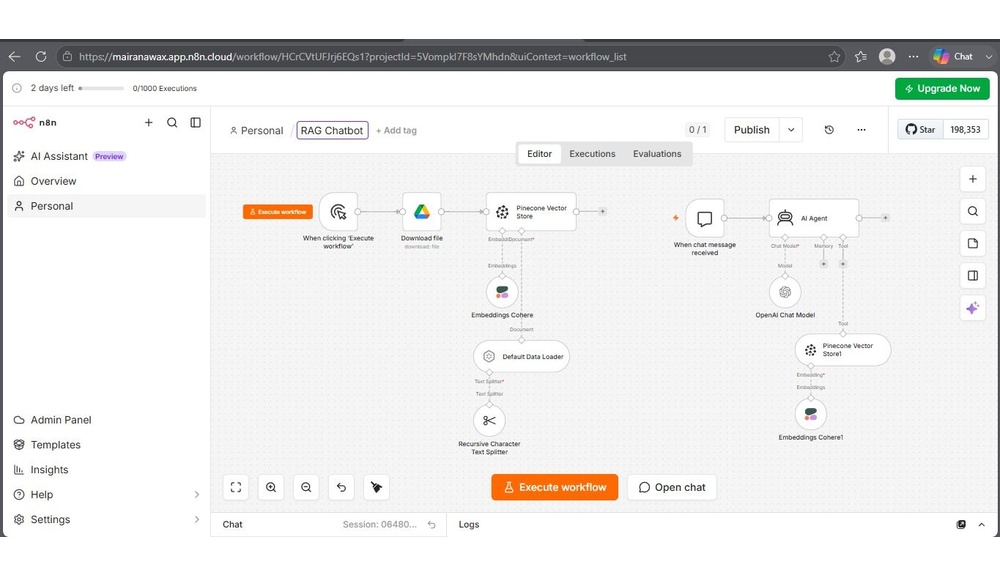
  • Understand RAG: prepare documents, find relevant passages, and answer using those passages
  • Prepare documents using useful chunks and metadata for better retrieval
  • Understand embeddings and vector stores at a practical, non-technical level
  • Ground chatbot answers in retrieved content and include source references
  • Test retrieval quality, answer accuracy, and common failure cases
  • Handle missing answers, sensitive questions, outdated documents, and human escalation
  • Plan how the chatbot knowledge base will be reviewed and updated

Case study  Employees repeatedly contact HR for information already available in company policies.

Module project  Build an n8n HR chatbot that finds the relevant policy section, answers with a source reference, and passes unanswered questions to a person.

Learner output  A tested HR Policy RAG Chatbot.

Module 6: Multi Agents Systems & Orchestration

Key Topics and Activities

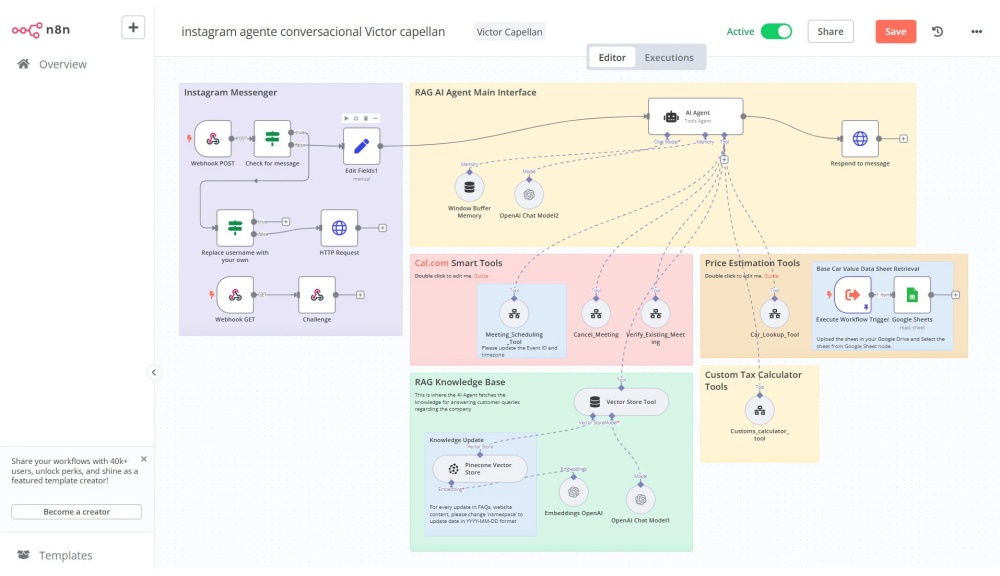
  • Distinguish a fixed workflow, chatbot, AI agent, and multi-agent system
  • Give an AI agent a goal, instructions, tools, context, memory, and permissions
  • Connect agents to CRM data, email, calendars, documents, and a knowledge base
  • Understand how an agent plans, uses a tool, observes the result, and continues its task
  • Design specialist agents for focused responsibilities such as research, retrieval, writing, and quality review
  • Use a supervisor agent to assign work, combine results, and decide the next step
  • Pass structured information between agents so instructions and outputs remain clear
  • Coordinate agents with workflow steps, business rules, and human approval before important actions
  • Prevent uncontrolled loops, conflicting decisions, duplicate actions, and excessive tool use
  • Add logs, fallbacks, permission limits, and evaluation checks for safer operation
  • Recognize when a normal workflow is more reliable than an AI agent or multi-agent system

Case study  Resolving a customer request requires classification, CRM lookup, policy retrieval, response preparation, quality review, and approval.

Module project  Build a guided n8n workflow in which specialist agents receive a request, check customer and policy information, draft a response, and review it before a person approves it.

Learner output  A multi-agent workflow diagram and working orchestration prototype.

Module 7: Business Automation/RPA with Microsoft Power Automate

Key Topics and Activities

  • Distinguish cloud flows from desktop flows and choose the appropriate approach
  • Build automated, scheduled, and manually triggered cloud flows
  • Connect Outlook, Forms, Excel, SharePoint, and Teams
  • Use dynamic content, variables, conditions, and branching logic
  • Create approvals, reminders, notifications, and escalation paths
  • Use AI-assisted extraction, categorization, and summaries inside Microsoft workflows
  • Understand desktop flows and robotic process automation for repetitive screen-based work
  • Choose between an API or cloud integration and a desktop automation
  • Review run history, test different approval outcomes, and troubleshoot failed actions
  • Apply basic permission, environment, and data-handling controls
  • Add exception paths and human review for sensitive workplace processes

Case study  HR manually coordinates employee onboarding between the employee, manager, HR, and IT.

Module project  Build an onboarding workflow that validates employee information, creates records, requests approvals, and notifies the relevant teams.

Learner output  A Power Automate onboarding and approval workflow.

Module 8: Build End-to-End Production-Ready AI Automation Project

Key Topics and Activities

  • Define the business problem, users, current process, expected result, and success criteria
  • Choose the most suitable platform and explain the solution architecture
  • Create test cases for normal, missing, duplicate, delayed, and incorrect inputs
  • Validate information and prevent duplicate records or repeated actions
  • Add error handling, retries, timeouts, fallback paths, and human review
  • Create logs, alerts, and monitoring so failures can be identified quickly
  • Protect credentials and document privacy, access, and data-retention considerations
  • Define which high-impact decisions require approval before an action is completed
  • Prepare setup instructions, user guidance, maintenance notes, and a handover document
  • Estimate usage cost and identify dependencies that may change over time
  • Scope a realistic freelance service with deliverables, exclusions, and client responsibilities
  • Demonstrate the solution and explain its practical business value

Capstone project:  Build and present an automation for Marketing, Sales, HR, Customer Support, Operations, or a realistic client brief.

Learner output  A working capstone, process map, test evidence, documentation, and presentation.

Tools you will learn

Meet your Instructor

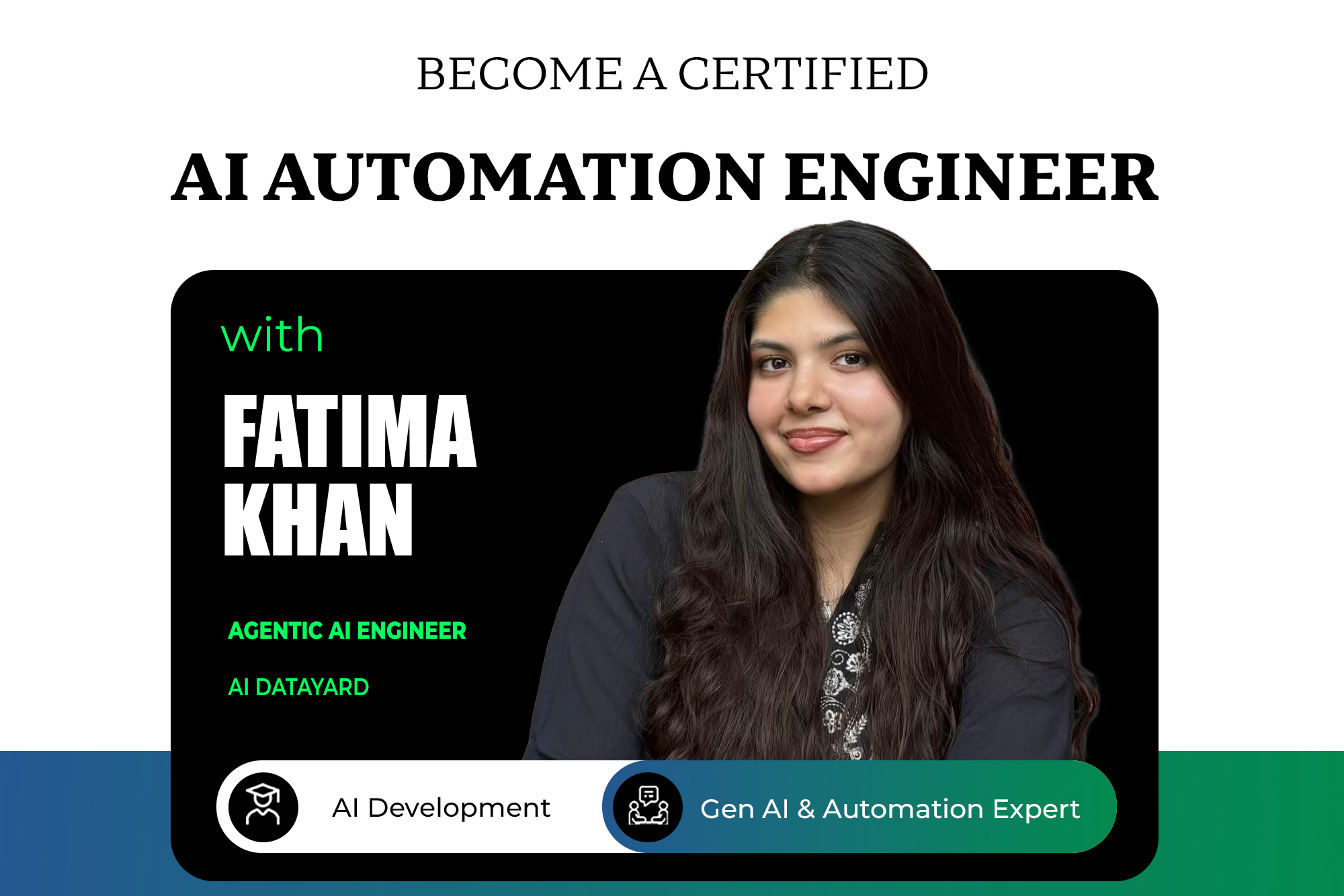
Fatima Khan

AI & Automation Engineer | Agentic AI Trainer | LLMs, RAG Pipeline, AI Agents | Solving Industry Problems with Agentic AI Solutions


Fatima Khan is an AI Engineer focused on integrating AI capabilities into business processes and digital products. She has hands-on experience building AI products and automation solutions from concept to production-ready implementation. Her core areas of expertise include Agentic AI, Large Language Models (LLMs), AI orchestration, and intelligent automation.


She is highly experienced in delivering hands-on training and applied learning experiences that help professionals move beyond basic AI usage to building practical automated workflows, AI agents, and AI-enabled solutions.


Who This Program is For?

Executives

Leaders who want to use AI as an Assistant and make smarter decisions.

Professionals

Professionals who want to automate repetitive work across Marketing, Sales, HR, and Operations to improve productivity.

Students

Youth who want to build practical AI automation skills and prepare for emerging career opportunities.

AI Entrepreneurs

who want to build workflows, AI agents, and automation solutions to serve clients or build their own AI agency.

Trusted by Leading Companies

HOW DOES THE PROGRAM WORK

Interactive Live Sessions

Learn from top data industry leaders with in-depth, industry-relevant mentorship

Hands-On Training

Master AI automation tools through 100% practical, real-world training

Capstone Projects & Case Studies

Complete continuous tasks, capstone projects, and case studies to ensure you can apply skills in the industry

Solid Profile Building

Focus on building a strong profile and personal brand to help you stand out in the job market.

BootcampInvestment

Build Enterprise AI Automation Skills for Real-World Business Applications.

standard

PAKISTAN
NATIONALS
PKR 20,000 Per Month
  •  

Lump-sum

PAKISTAN
NATIONALS
PKR 30,000
  •  
POPULAR

Lump-Sum

INTERNATIONAL PROGRAM
$ 250 Advance
  •  

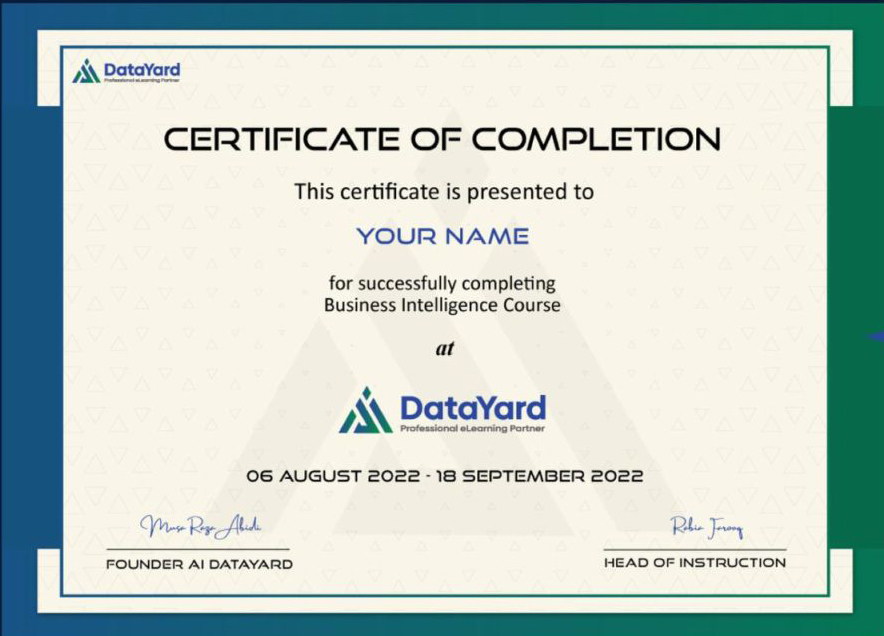
EARN A CERTIFICATE

Certify Your Expertise

Get certified and build a powerful profile that attracts employers who trust skills from globally recognized platforms

Real Stories. Real Impact.

Get Registered

Shopping Basket